











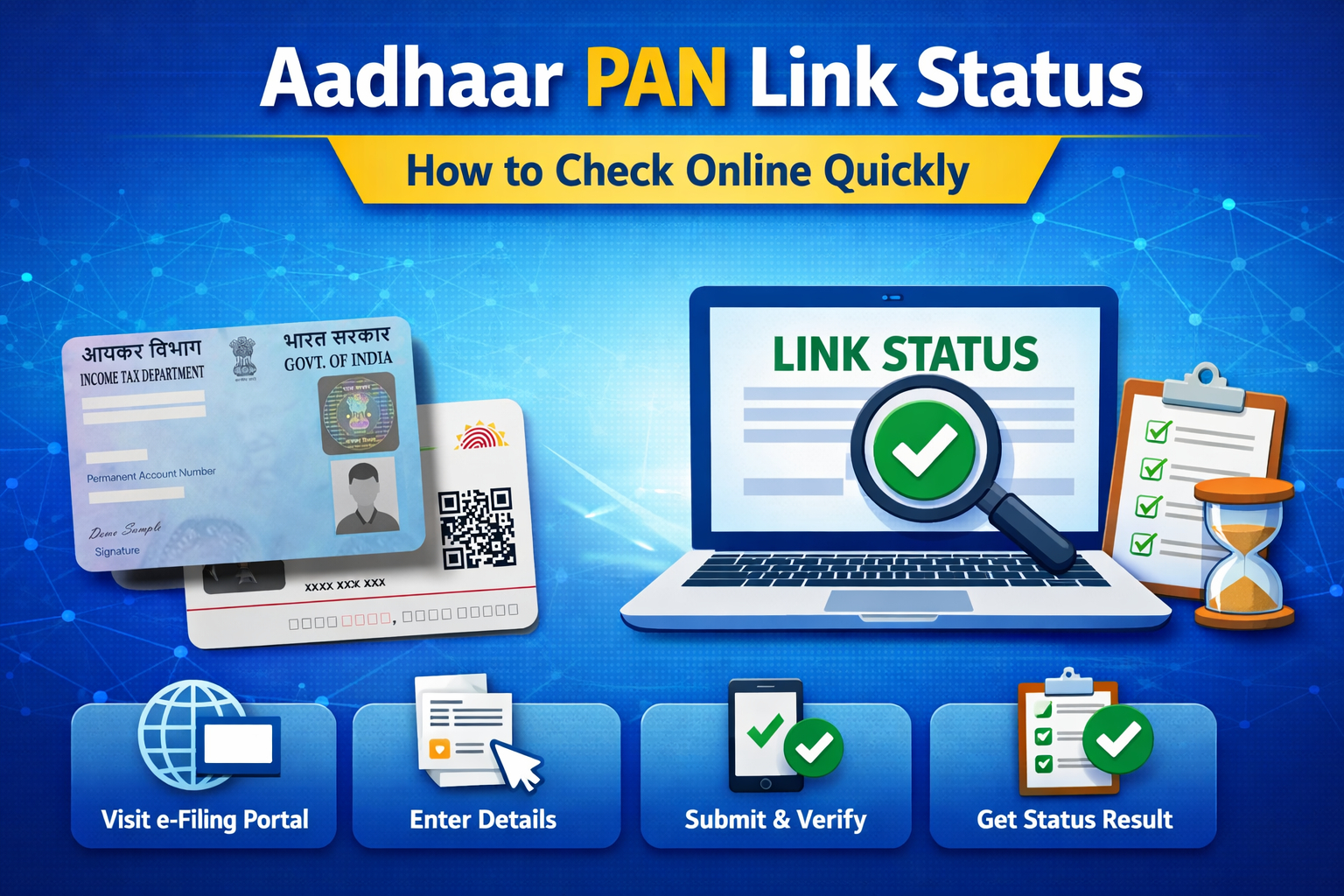



Linking your Aadhaar with your PAN card has been a crucial compliance requirement for taxpayers in India for several years now. The government mandates this linkage to prevent tax fraud, improve transparency, and streamline financial identification. But once you have submitted your request to link, how do you find out whether your Aadhaar PAN Link Status is successful, pending, or not linked? This guide covers every step you need to follow to perform an aadhaar pan link check, understand what the results mean, and what to do next.
Why Checking Aadhaar PAN Link Status Is Important?
Before we dive into the step-by-step aadhaar pan card link check, it’s important to understand why this matters:
- Linking your Aadhaar and PAN is now mandatory under Section 139AA of the Income Tax Act to file income tax returns.
- If the PAN Aadhaar link status shows unlinked, your PAN could become inoperative, meaning you may be unable to file tax returns or carry out financial transactions.
- An inoperative PAN affects tax refunds and compliance with banking, mutual funds, and investment requirements.
That’s why a reliable check pan aadhaar link process is essential for every PAN holder.
What You Need to Check Aadhaar PAN Link Status
Before beginning the online process, ensure you have:
- Your 10-digit PAN number
- Your 12-digit Aadhaar number
- Access to the official Income Tax e-Filing portal
- A device with internet connectivity
These details are necessary whether you perform the check online or via SMS.
Method 1: How to Check Aadhaar PAN Link Status Online (Without Login)
This is arguably the easiest way to do an aadhaar pan link check and doesn’t require logging into the portal.
Step 1: Visit the Official Income Tax E-Filing Portal
Go to the official Income Tax e-filing website in your browser:
👉 https://www.incometax.gov.in/iec/foportal/
This is the central portal for PAN-Aadhaar services.
Step 2: Find the ‘Link Aadhaar Status’ Section
On the home page, look for the “Quick Links” section on the left side of the page. Under Quick Links, select “Link Aadhaar Status”.
Step 3: Enter Your PAN and Aadhaar Numbers
You will be asked to enter:
- Your PAN (10 characters)
- Your Aadhaar number (12 digits)
Make sure the details are entered correctly — even one mistyped character could lead to a failed check.
Step 4: Click “View Link Aadhaar Status”
Once you click this button, the system checks your records and displays the pan aadhaar link status on the screen.
What the Messages Mean
After clicking View Link Aadhaar Status, you might see one of the following results:
- “Your PAN is already linked to the given Aadhaar.” — Your linkage is complete.
- “Your Aadhaar-PAN linking request has been sent to UIDAI for validation.” — Your request is pending validation.
- “PAN not linked with Aadhaar. Please click on ‘Link Aadhaar’ to link your Aadhaar with PAN.” — Your PAN and Aadhaar are not linked yet, and action may be required.
These messages give you a clear picture of your current Aadhaar PAN Link Status.
Method 2: How to Check PAN Aadhaar Link Status by Logging In
If you have an account on the Income Tax e-Filing portal, you can perform a more detailed check pan aadhaar link via your dashboard.
Step 1: Log in to the E-Filing Portal
Use your credentials (PAN as user ID and password) to log into the portal.
Step 2: Navigate to the Dashboard
Once logged in:
- Go to your Dashboard
- Find the “Link Aadhaar Status” option — usually under Profile Services or directly visible on the main dashboard area.
Click on it.
Step 3: View Your Link Status
This will display the current Aadhaar PAN Link Status associated with your profile. If linked, your Aadhaar number will be shown. If not, you will be prompted to link it or check back later if it’s pending.
Method 3: How to Check Aadhaar PAN Link Status via SMS
Many taxpayers prefer checking their pan aadhaar link status via SMS — which is quick and doesn’t require logging into any portal.
Step 1: Open Your Messaging App
Compose a new message in this format:
UIDPAN <12-digit Aadhaar number> <10-digit PAN number>
Example:
UIDPAN 123412341234 ABCDE1234F
Step 2: Send the SMS to the Official Numbers
Send the message to either:
- 567678
- 56161
Within a few minutes, you will receive a reply that states whether your PAN and Aadhaar are linked.
Possible SMS Responses
- “Aadhaar is already associated with PAN (number) in ITD database.” — Linked successfully.
- “Aadhaar is not associated with PAN (number) in ITD database.” — Not linked.
- “Your Aadhaar-PAN linking request has been sent to UIDAI for validation.” — Your request is still pending.
This SMS check helps confirm your Aadhaar PAN Link Status without needing internet access.
Understanding Different Link Status Results
Linked Successfully
If your PAN and Aadhaar are linked, you will see both on the portal or receive an SMS confirmation. This means you can:
- File income tax returns normally
- Use PAN for banking and financial transactions
- Avoid penalties associated with non-linking
Pending Validation
Sometimes, your request has not yet been validated by UIDAI (Unique Identification Authority of India). In this case:
- Check again after a few days
- Make sure your name and date of birth are identical on both PAN and Aadhaar — mismatches can delay validation
Not Linked
If the status shows that your PAN and Aadhaar are not linked:
- You will need to go through the linking process via the e-Filing portal’s Link Aadhaar option.
- Follow the instructions to submit a new request and then re-check the status.
Common Issues and Troubleshooting
Name or Date of Birth Mismatch
If there’s even a minor difference in the spelling of your name, date of birth, or gender between Aadhaar and PAN, the aadhaar pan link check may fail. In such cases:
- Correct details in one of the documents
- Update them in UIDAI or PAN database before checking again.
Mismatch is one of the biggest reasons people see a “pending” or “not linked” status.
Request Is Stuck as Pending
Sometimes, the portal may show that the linking request is under validation for an extended period. This can happen due to high traffic or processing delays. If it persists:
- Re-check after 7–10 days
- Contact the Income Tax helpdesk if you suspect an error
SMS Not Received
If your SMS check doesn’t return a status:
- Ensure the format is correct
- Try the alternate number (567678 or 56161)
- Check messaging network strength
What Happens If PAN and Aadhaar Are Not Linked?
Failure to link your Aadhaar and PAN can have serious consequences:
- Your PAN may become inoperative and unusable for tax filing.
- You may face higher TDS/TCS or issues in financial transactions.
- Pending tax refunds may be delayed.
An early aadhaar pan card link check can help you resolve these issues before they impact your finances.
When Should You Check Your Aadhaar PAN Link Status?
Here are common scenarios where you should check your Aadhaar PAN Link Status:
- After submitting a new linking request
- Before filing your tax return
- If you receive a warning from the Income Tax portal
- If you see errors while accessing financial services
Regularly performing an aadhaar pan link check ensures peace of mind and avoids compliance issues.
Final Words
Checking your Aadhaar PAN Link Status is a simple but important step every taxpayer should perform. Whether you choose to do an aadhaar pan card link check online without logging in, through your e-Filing dashboard, or via SMS, the process is straightforward and user-friendly. Keeping your PAN linked with Aadhaar ensures that you stay compliant, avoid penalties, and continue to carry out smooth financial and tax-related activities.
By following the step-by-step instructions above, you can easily check pan aadhaar link status, understand what each result means, and take action if needed. Regularly confirming your linkage will help you stay ahead of any potential issues with your tax return or financial transactions.
Frequently Asked Questions (FAQs)
What is Aadhaar PAN Link Status?
Aadhaar PAN Link Status shows whether your Aadhaar and PAN card are linked in the government database. This is mandatory for tax filing and financial compliance.
How can I perform an aadhaar pan link check online?
You can check online by visiting the Income Tax e-Filing portal, using the Link Aadhaar Status option, and entering your PAN and Aadhaar numbers.
Can I check PAN Aadhaar link status without logging in?
Yes, an aadhaar pan link check can be done without logging in by using the View Link Aadhaar Status feature on the e-Filing portal.
How to check pan aadhaar link via SMS?
Send SMS in the format UIDPAN to 567678 or 56161 to receive a reply with your link status.
What does ‘pending validation’ mean for pan aadhaar link status?
It means your linking request has been submitted but the Unique Identification Authority of India (UIDAI) has not yet completed verification.
What happens if PAN and Aadhaar are not linked?
If not linked, your PAN may become inoperative and you may not be able to file returns, receive refunds, or perform financial transactions.
Related Blog: Aadhaar Card Update Online




What do you think?
It is nice to know your opinion. Leave a comment.