











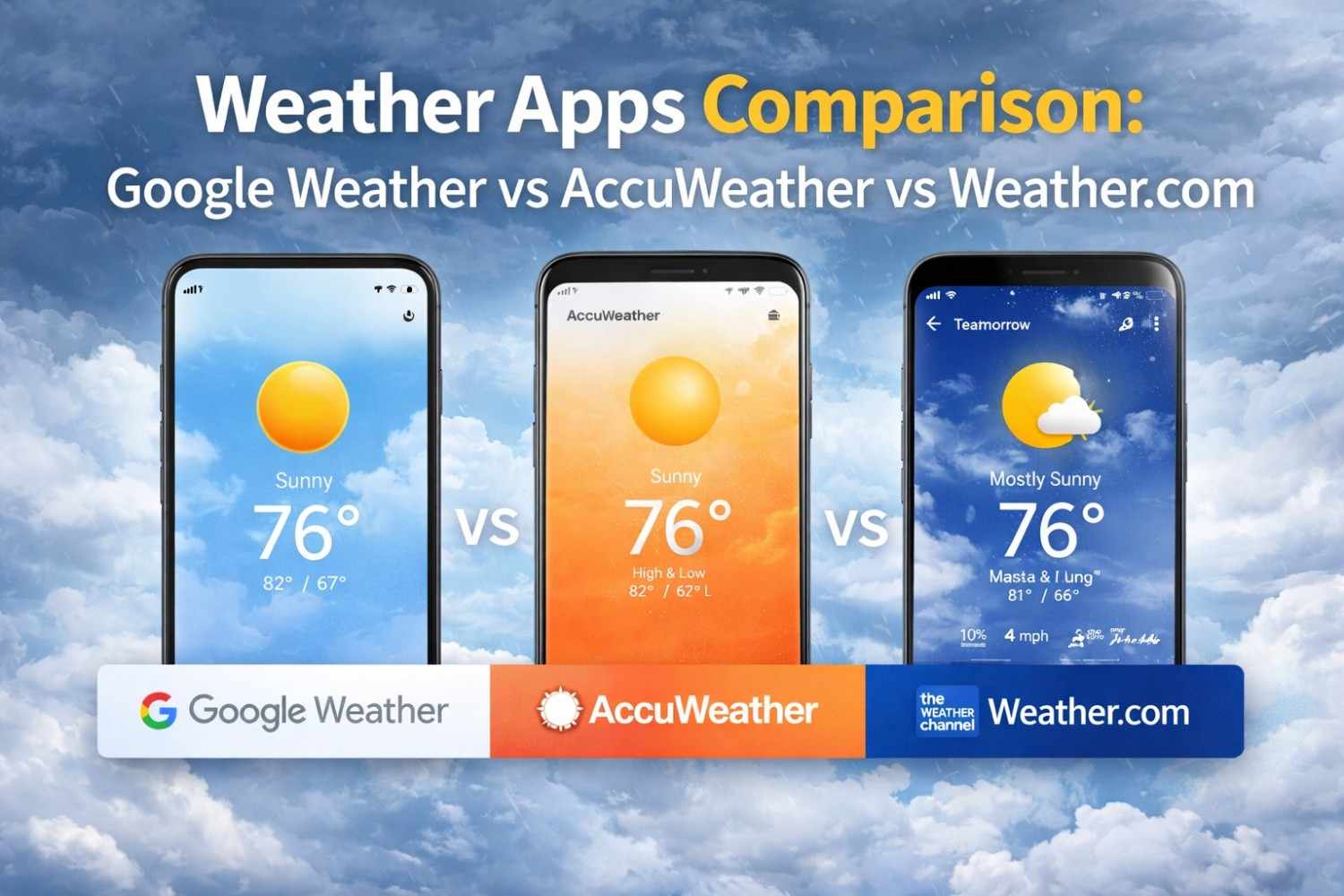



Weather forecasting has become an essential part of daily life. From planning travel and outdoor events to preparing for storms and heatwaves, people rely heavily on weather apps to make informed decisions. Today, several platforms provide weather forecasts, but three of the most popular ones are Google Weather, AccuWeather, and Weather.com (The Weather Channel app).
While all three apps provide temperature updates, forecasts, and alerts, they differ significantly in forecast accuracy, data sources, features, usability, and reliability. Understanding these differences can help you choose the right weather app for your needs.
In this detailed comparison, we’ll explore how these weather apps work, what makes them unique, and which one you should trust.
The Role of Weather Apps in Daily Life
Weather apps are no longer just about checking temperature. Modern forecasting platforms provide:
- Real-time radar tracking
- Severe weather alerts
- Air quality monitoring
- UV index tracking
- Humidity and wind data
- Long-term forecasts
- Climate insights
With smartphones becoming central to daily planning, weather apps have become decision-making tools, not just informational tools.
However, many users notice that different weather apps sometimes show different forecasts for the same location. This happens because each platform uses different forecasting models and data sources.
Google Weather App Overview
Google Weather is known for its simple, fast, and minimal interface. It is usually accessed through Google Search or preinstalled widgets on Android devices rather than as a standalone app.
Google Weather focuses on usability and speed, making it ideal for quick weather checks.
Key Features
- Hourly forecast
- 10-day forecast
- Precipitation probability
- Wind and humidity information
- UV index
- Sunrise and sunset timing
- Location-based updates
The biggest advantage of Google Weather is its integration with Android and Google services, which makes checking weather effortless.
Strengths
Google Weather is:
- Lightweight
- Fast-loading
- Easy to understand
- Minimal and distraction-free
It works well for everyday planning, such as:
- Deciding what to wear
- Planning a commute
- Checking tomorrow’s temperature
Limitations
Google Weather lacks:
- Advanced radar visualization
- Minute-by-minute forecasting
- Detailed storm tracking tools
Because of this, it is not designed for users who need professional-level forecasting.
AccuWeather App Overview
AccuWeather is one of the most recognized weather forecasting platforms worldwide. It is known for detailed forecasts and proprietary forecasting technologies.
One of its most famous features is RealFeel® temperature, which calculates how weather actually feels based on environmental conditions.
Key Features
- RealFeel temperature index
- Minute-by-minute precipitation forecast
- Interactive radar maps
- Severe weather alerts
- Air quality index
- Lifestyle forecasts
- Extended forecasts
AccuWeather is designed for users who want precision and deeper weather insights.
Strengths
AccuWeather is particularly strong in:
- Hyper-local forecasting
- Rain prediction accuracy
- Radar visualization
- Environmental data tracking
It is commonly used by:
- Travelers
- Event planners
- Outdoor workers
- Photographers
- Commuters
Limitations
The free version includes:
- Advertisements
- Premium feature restrictions
- A heavier interface compared to Google Weather
Despite this, AccuWeather remains one of the most detailed weather apps available.
Weather.com (The Weather Channel App) Overview
Weather.com is the digital platform of The Weather Channel, one of the most trusted weather forecasting organizations globally.
This platform combines:
- Meteorology expertise
- Satellite data
- Weather news
- Forecast modeling
- Storm tracking technology
Weather.com is particularly strong in severe weather coverage and large-scale forecasting.
Key Features
- Hourly and extended forecasts
- Severe weather alerts
- Storm tracking radar
- Climate updates
- Air quality monitoring
- Weather news and videos
- Smart notifications
Weather.com provides a complete weather ecosystem, not just forecasts.
Strengths
Weather.com is highly reliable for:
- Storm tracking
- Severe weather alerts
- Regional weather systems
- Long-term forecasts
It is especially useful during:
- Heavy rainfall
- Cyclones
- Flood alerts
- Heatwaves
- Winter storms
Limitations
Some users find:
- The interface heavier
- Ads distracting
- News content unnecessary for quick weather checks
However, the platform remains one of the most trusted sources for weather forecasting.
Forecast Accuracy Comparison
Weather forecasting accuracy depends on multiple factors, including:
- Geographic location
- Forecast duration
- Climate conditions
- Data models used
No single weather app is always the most accurate.
However, general patterns can be observed.
Short-term forecasts (0–24 hours)
All three apps are typically very accurate.
Medium-range forecasts (1–3 days)
AccuWeather and Weather.com often provide more detailed predictions.
Long-range forecasts (5–10 days)
Differences become more noticeable between apps.
This is normal because long-term forecasting always involves uncertainty.
Radar and Storm Tracking
Radar visualization is one area where apps differ significantly.
Google Weather provides only basic precipitation visualization.
AccuWeather offers:
- Interactive radar
- Lightning tracking
- Rain intensity layers
- Cloud movement tracking
Weather.com provides:
- Storm movement radar
- Hurricane tracking tools
- Satellite imagery
- Severe weather visualization
For radar tools, AccuWeather and Weather.com are clearly stronger than Google Weather.
Severe Weather Alerts
Severe weather alerts are critical for safety.
Weather.com is widely trusted for:
- Storm warnings
- Flood alerts
- Cyclone tracking
- Emergency notifications
AccuWeather also provides strong alert systems.
Google Weather provides basic notifications, but not as detailed as the other two platforms.
Air Quality and Environmental Data
Air quality tracking has become increasingly important in urban areas.
AccuWeather and Weather.com both provide:
- Air Quality Index (AQI)
- Allergy forecasts
- UV index tracking
Google Weather provides limited environmental data in comparison.
User Interface and Experience
Each app follows a different design philosophy.
Google Weather focuses on:
- Simplicity
- Speed
- Minimalism
AccuWeather focuses on:
- Data depth
- Detailed dashboards
- Forecast precision
Weather.com focuses on:
- Forecast reliability
- Weather news
- Storm updates
The best interface depends on what the user values most.
Ads and Premium Features
Google Weather usually has minimal or no ads.
AccuWeather and Weather.com both:
- Include ads in free versions
- Offer premium subscriptions
- Provide additional features for paid users
This makes Google Weather appealing for users who want a clean experience.
Which Weather App Should You Choose?
The best weather app depends on your usage.
Choose Google Weather if you want:
- Simple forecasts
- Fast access
- Minimal interface
Choose AccuWeather if you want:
- Hyper-local predictions
- Minute-by-minute rain forecasts
- RealFeel temperature
Choose Weather.com if you want:
- Severe weather tracking
- Reliable alerts
- Storm monitoring
Many users actually use two weather apps to compare forecasts during uncertain weather conditions.
Frequently Asked Questions (FAQs)
1. Which weather app is the most accurate — Google Weather, AccuWeather, or Weather.com?
AccuWeather is widely known for its MinuteCast and RealFeel temperature accuracy, while Weather.com provides highly reliable forecasts using The Weather Channel data. Google Weather is accurate for daily forecasts and quick updates, but less detailed for advanced forecasting.
2. Is Google Weather a standalone app?
No. Google Weather typically works inside the Google app or as a widget on Android devices, rather than being a fully independent downloadable app like AccuWeather or Weather.com.
3. Which weather app is best for live weather tracking?
AccuWeather is best for real-time weather tracking, especially with features like minute-by-minute precipitation forecasts and severe weather alerts.
4. Which weather app uses the least storage and data?
Google Weather uses the least storage and mobile data because it is lightweight and integrated into the Google ecosystem.
5. Which weather app is best for severe weather alerts?
Weather.com and AccuWeather both provide strong severe weather notifications, including storm tracking, radar maps, and safety alerts.
6. Are weather apps free to use?
Yes, Google Weather, AccuWeather, and Weather.com all offer free versions. However, AccuWeather and Weather.com may include ads or premium subscription options.
7. Which weather app is best for travelers?
AccuWeather is ideal for travelers because of its hyperlocal forecasts, radar maps, and international coverage.
8. Can I use weather apps without location access?
Yes. You can manually add cities in Google Weather, AccuWeather, and Weather.com without enabling GPS location.
9. Which app has the best weather radar maps?
Weather.com and AccuWeather provide more advanced radar visualization tools compared to Google Weather.
10. Which weather app is best for Android users?
Google Weather is great for simple daily use, while AccuWeather is better for detailed forecasting and weather insights.
Final Thoughts
Weather forecasting technology has improved significantly over the years, but no single app can guarantee perfect predictions.
Google Weather, AccuWeather, and Weather.com each serve different types of users:
- Google Weather excels in simplicity.
- AccuWeather excels in detail.
- Weather.com excels in reliability.
Choosing the right app depends on how deeply you want to track weather conditions.
For everyday use, Google Weather is often enough.
For precision forecasting, AccuWeather is powerful.
For severe weather awareness, Weather.com is highly dependable.
In the end, the smartest approach may be using more than one weather app to get a broader perspective on changing weather conditions.




What do you think?
It is nice to know your opinion. Leave a comment.