











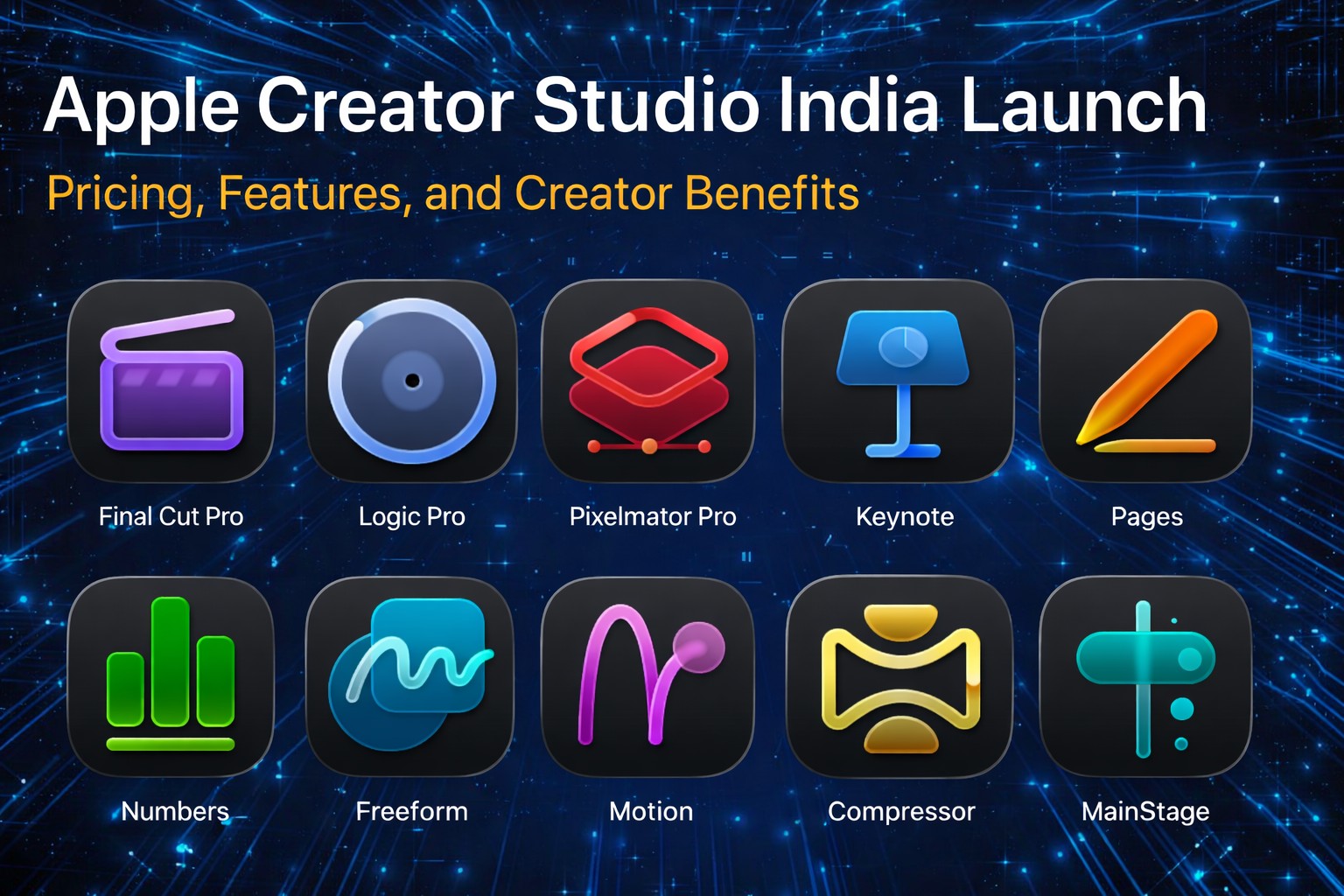



Apple has just made a major move into the creator economy in India with the official launch of Apple Creator Studio, set to go live on the App Store on January 28, 2026. The announcement marks a significant expansion of Apple’s services ecosystem — making advanced creative tools more accessible to video editors, music producers, graphic designers, content creators, and professionals across creative industries.
In this in-depth guide, we cover everything you need to know about Apple Creator Studio — from what it includes and how it works, to the pricing plans, features, benefits, and how it stacks up in India’s rapidly growing creative market.
What is Apple Creator Studio?
Apple Creator Studio is Apple’s newest subscription-based creative suite that bundles together several of its most powerful creative and production applications under one unified service. Rather than purchasing apps separately — often at high one-time costs — creators can access a full suite of tools with a single subscription.
Officially described by Apple as “an inspiring collection of the most powerful creative apps,” the suite brings together video editing, music production, image design, productivity enhancements, and other studio-grade tools in one place.
The launch signals Apple’s increasing focus on not just hardware and general consumer services, but also on supporting professionals and creative professionals who generate high-value content across digital media.
Launch Date & Availability in India
Apple Creator Studio will officially launch in India on January 28, 2026, and will be available via the Apple App Store for compatible devices including Mac, iPad, and selected iPhone devices.
Apple has intentionally timed the release toward the start of the year to coincide with rising demand from creators preparing content for the year ahead, including YouTubers, short-form video makers, musicians, photographers, and professional designers.
What’s Included in Apple Creator Studio?
One of the most attractive aspects of Apple Creator Studio is the number of applications included within the subscription. Instead of buying each app individually, subscribers get access to:
Final Cut Pro
A professional-grade video editing tool used widely in film, TV, and YouTube workflows — now included in the bundle.
Logic Pro
Apple’s advanced music production environment, popular with composers, producers, and audio professionals.
Pixelmator Pro
A powerful image editing and design app that now supports full features on both Mac and iPad.
Additional Mac Tools
Along with the apps above, the subscription also provides access to:
- Motion — animation and motion graphics
- Compressor — advanced video export and encoding
- MainStage — performance-oriented app for live music or playback tasks
Premium AI & Productivity Features
Apple Creator Studio also unlocks premium content, templates, and AI-powered smart tools for:
- Keynote — advanced presentation design
- Pages — automated document creation
- Numbers — smart data templates
- Freeform (rolling out soon) — dynamic creative boards and collaboration features
This integration of tools under one subscription is designed to streamline workflows and reduce the cost barrier for professionals who would otherwise purchase multiple standalone tools.
Key Features & Highlights
Apple Creator Studio doesn’t just bundle apps together — it also introduces a range of features designed to enhance creative workflows:
AI-Assisted Tools
Creator Studio includes AI-powered enhancements across several apps. Examples include:
- Final Cut Pro: Smart transcript-based search, beat detection, and visual search to speed up editing.
- Logic Pro: AI-driven tools such as Synth Player and Chord ID to support music creation.
- Pixelmator Pro: Advanced image editing tools such as Warp and Super Resolution.
Premium Templates & Assets
Subscribers also gain access to curated libraries of royalty-free photos, graphics, backgrounds, and content assets that can be used across projects.
Cross-Device Integration
Many Creator Studio apps run on both Mac and iPad, with full Apple Pencil support on iPad where applicable — unlocking powerful creative workflows on the go.
One-Stop Workflow
Creator Studio was built to reduce fragmentation — creators no longer need to switch between multiple tools or ecosystems. It provides a unified platform for video, audio, visuals, and productivity tasks, all under one roof.
Pricing in India
Apple Creator Studio’s pricing structure has been intentionally positioned to be more affordable than many competing creative suites — especially for individual creators and small businesses.
Here’s how the pricing works in India:
Standard Plan
- ₹399 per month
- ₹3,999 per year (best value for regular users)
Includes all apps and premium features.
Student & Educator Plan
- ₹199 per month
- ₹1,999 per year
A discounted rate aimed at students, teachers, and educational institutions.
Free Trial
New subscribers can enjoy a one-month free trial before committing to the paid plan.
Family Sharing
The plan supports Family Sharing for up to six people using the same subscription — ideal for households with multiple creators.
Bundled Free Access with Device Purchases
Certain Macs or qualifying iPads purchased around launch time may come with up to three months free access to Creator Studio.
Standalone vs Subscription Comparison
Although the subscription is the centerpiece of Apple Creator Studio, Apple still offers the option to purchase each creative tool individually if you prefer lifetime ownership.
Examples of one-time purchase prices in India:
- Final Cut Pro: ~₹29,900
- Logic Pro: ~₹19,900
- Pixelmator Pro: ~₹999
- Motion: ~₹4,900
- Compressor: ~₹4,999
- MainStage: ~₹2,999
For users who only need one or two apps and prefer to buy once without recurring fees, the standalone model remains an option — though it may be more expensive upfront compared to the subscription.
Who Is Apple Creator Studio For?
Apple Creator Studio is aimed at a wide range of users:
Video Creators
Perfect for YouTubers, filmmakers, social media editors, and cinematic storytellers looking for advanced editing tools.
Music Producers
With Logic Pro in the bundle, musicians and audio professionals gain access to professional-grade tools.
Designers & Visual Artists
Pixelmator Pro and Motion provide a creative playground for graphic designers and motion graphics creators.
Productivity & Presentations
With enhancements to Keynote, Numbers, and Pages, this suite also appeals to presenters and business creators seeking quality content creation features.
Students & Educators
Discounted pricing and student plans make it accessible for educational use and classroom creativity.
How Apple Creator Studio Competes with Adobe?
One of the big stories around Apple Creator Studio is its positioning against Adobe Creative Cloud, long considered the industry standard for creative professionals.
Adobe’s suite typically costs significantly more — especially for full access to apps like Premiere Pro, After Effects, Photoshop, and Illustrator — often exceeding ₹1,000 per month for individual plans.
Apple Creator Studio’s starting price of ₹399 per month makes it a compelling, lower-cost alternative for many creators in India, especially those working primarily within Apple’s ecosystem.
While Adobe still has broader cross-platform tool support and deeper industry adoption in some sectors, Creator Studio’s integration, AI-powered features, and ecosystem synergy make it an appealing choice for Apple users — particularly Mac and iPad creators.
Benefits of Apple Creator Studio
Here’s a snapshot of the top benefits:
- One subscription covers multiple high-end apps
- AI-assisted tools speed up production workflows
- Cost-effective pricing, especially for students and educators
- Family Sharing support for up to six people
- Premium content libraries and creative assets
- Compatible with both Mac and iPad
- Continues to offer standalone purchase options
Potential Limitations
While Creator Studio offers major advantages, there are some things users should consider:
- Some apps (like Motion, Compressor, MainStage) are Mac-only.
- Not all features may work on older devices.
- Those only needing one tool may find standalone purchases more cost-efficient over time.
Conclusion
The launch of Apple Creator Studio in India on January 28, 2026, represents a major shift in how creators access high-end creative tools. With an affordable subscription model, a robust suite of applications, and powerful AI-enhanced tools, Apple is positioning itself as a serious contender in the creative software space — especially against entrenched rivals like Adobe Creative Cloud.
Whether you’re a content creator, filmmaker, designer, musician, student, or professional — Creator Studio offers a compelling package of studio-level apps that were once cost-prohibitive for many. With flexible pricing, cross-device support, and an integrated workflow, it’s poised to become a go-to solution for modern creators in India and beyond.
FAQs
When does Apple Creator Studio launch in India?
Apple Creator Studio will launch on January 28, 2026 via the Apple App Store.
What apps are included in Apple Creator Studio?
The bundle includes Final Cut Pro, Logic Pro, Pixelmator Pro, Motion, Compressor, and MainStage, plus premium features for Keynote, Pages, Numbers, and Freeform.
How much does Apple Creator Studio cost in India?
Standard pricing is ₹399/month or ₹3,999/year, with student plans at ₹199/month or ₹1,999/year.
Is there a free trial?
Yes — new subscribers get a one-month free trial before regular billing begins.
Can apps still be bought individually?
Yes — one-time purchase options for individual apps remain available on the Mac App Store.
Is Apple Creator Studio only for professionals?
No — it’s designed for creators at all levels, including hobbyists, students, and educators.
Which devices support Creator Studio?
Apps run on Mac, iPad, and in some cases on selected iPhones — depending on each app’s compatibility.
Can the subscription be shared with family?
Yes — it supports Family Sharing for up to six people under one subscription.
Related Blog: Google Veo 3.1 Update Enables Vertical Videos




What do you think?
It is nice to know your opinion. Leave a comment.