











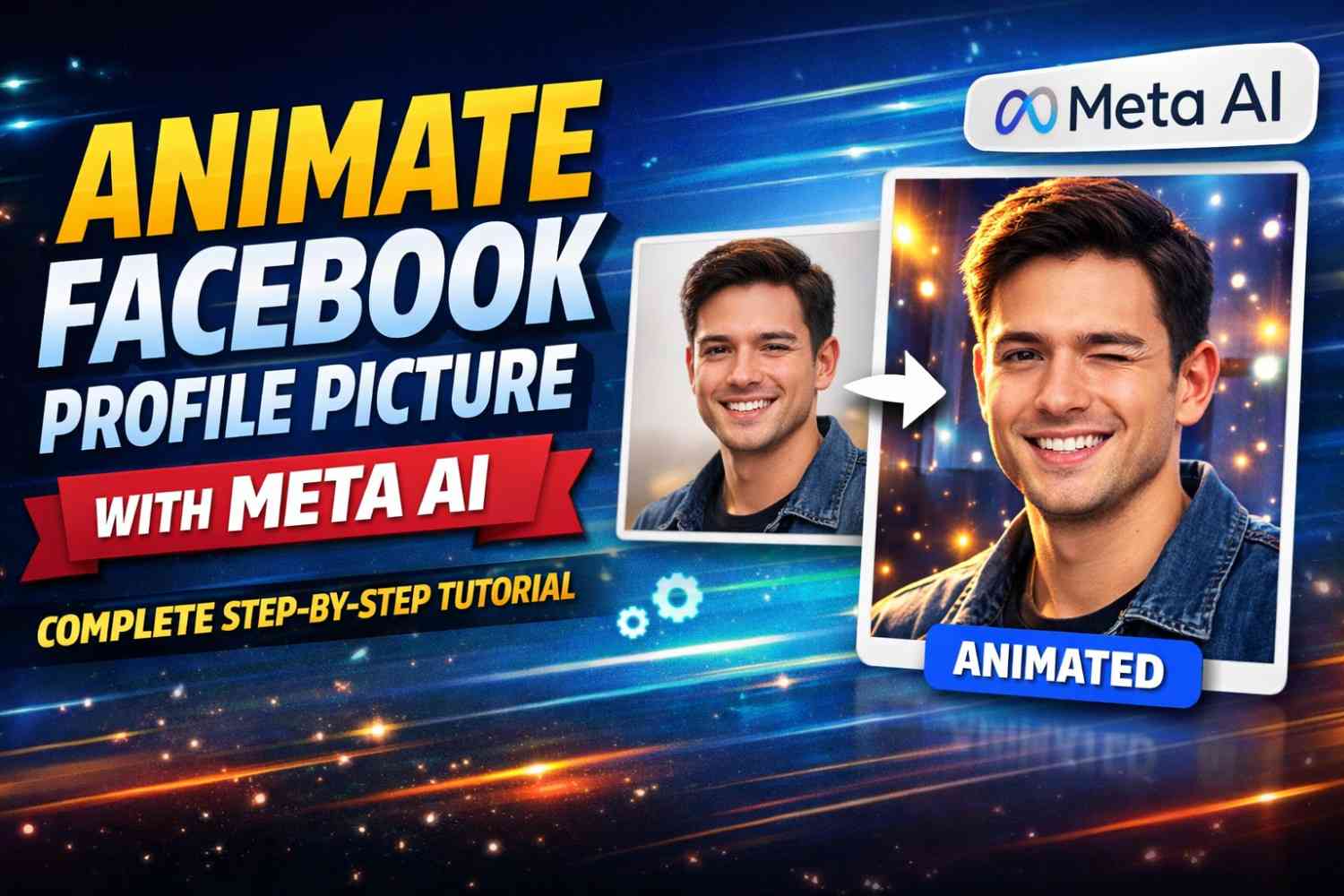



A Complete Step-by-Step Guide for Modern Social Media Creativity
In today’s social media-driven environment, visual identity plays a major role in how individuals present themselves online. A profile picture is often the first element people notice when they visit your account, comment on your posts, or interact with your content. Traditionally, profile pictures were static images that simply represented a person’s appearance.
However, as artificial intelligence technologies continue to evolve, platforms like Facebook are exploring more creative, dynamic ways to help users express themselves. One of the most interesting developments is the ability to animate profile pictures using Meta AI-powered tools and effects.
Animating a profile picture can make your presence more engaging, visually appealing, and unique. Instead of uploading a regular photograph, users can add motion, stylized transformations, or AI-generated enhancements that give their image a modern, artistic touch.
This approach is particularly beneficial for content creators, students, designers, or professionals who want to showcase creativity or stand out in digital spaces. Even for casual users, experimenting with animation features can be a fun and expressive experience.
This guide provides a detailed explanation of how to animate your Facebook profile picture using Meta AI tools. It walks through the preparation process, explores available methods, explains each step thoroughly, and offers insights into best practices. Whether you are new to AI-based editing or already familiar with digital tools, this article will help you navigate the process confidently.
Understanding Animated Profile Pictures and Meta AI
Before diving into the practical process, it is useful to understand what animated profile pictures are and how Meta AI contributes to their creation. An animated profile picture is essentially an image enhanced with motion-based or AI-driven effects that create a sense of life or transformation. These animations can be subtle, such as glowing lighting effects or moving particles, or more dramatic, such as stylized avatars or artistic transitions.
Meta AI refers to the artificial intelligence technologies developed and integrated by Meta across its platforms. These tools analyze visual data, detect facial features, and apply creative enhancements using machine learning models.
Instead of requiring advanced editing skills, users can simply select an effect, preview the result, and let AI handle the technical transformation. While the availability of specific tools may vary based on app version or region, the overall concept of AI-assisted creativity remains consistent.
Animated visuals represent a shift toward more interactive and personalized digital identity. As users increasingly treat their online presence as an extension of their personality or brand, features like animated profile images allow them to communicate individuality in a more immersive way.
Step-by-Step Process to Animate Your Profile Picture
Step 1 — Choosing and Preparing the Right Photo
The process begins with selecting a suitable photograph, which plays a crucial role in the final animation quality. An AI system can only enhance what it receives as input, so starting with a clear, well-lit image is essential.
You should ideally pick a photo where your face is visible and not obstructed by shadows, heavy filters, or background clutter. A portrait-style image captured in natural lighting often works best, as it allows AI tools to detect facial features accurately.
Preparing the image also involves basic considerations such as resolution and framing. Cropping unnecessary elements and ensuring that the subject is centered helps maintain focus during animation.
Many users overlook this stage, but taking a few extra minutes to refine the photo significantly improves the final output. Once satisfied, save the image to your device so it is easily accessible during editing.
Step 2 — Accessing Profile Picture Editing Tools
After preparing your photo, open the Facebook application and navigate to your personal profile page. This part of the process is straightforward but may slightly differ depending on device layout or app updates.
Tap on your current profile picture and choose the option to edit or update it. Facebook typically presents multiple editing features, including frames, avatars, stickers, and visual effects.
Within this editing interface, you may find animation-related options integrated under creative or AI enhancement sections. The platform continuously evolves its design and labeling, so you might encounter variations in terminology.
The key idea is to explore the available creative features and locate options that suggest motion, effects, or AI transformation. Spending time navigating these menus allows you to become familiar with the creative possibilities offered by the platform.
Step 3 — Applying Meta AI Effects or Animation
Once inside the editing section, the next stage involves selecting and applying animation styles. Begin by uploading or choosing the photo you prepared earlier. The interface typically displays a gallery of effects categorized by theme or style. These may include artistic filters, motion effects, or AI-driven enhancements designed to give the photo depth and personality.
Instead of simply selecting an effect blindly, it is beneficial to preview several options and compare results. This stage should be approached creatively rather than mechanically. Think about how you want your profile image to represent you.
If you aim for a professional appearance, subtle lighting animations may be suitable. For a playful or artistic impression, more vibrant effects may work better. By experimenting with various previews, you can identify the style that best aligns with your intention.
At this point, the AI performs the complex processing in the background. It identifies patterns, enhances details, and generates animation layers automatically.
From the user’s perspective, the experience remains simple — choosing and confirming preferences without dealing with technical complexity.
Step 4 — Adjusting and Customizing Animation Settings
After applying a chosen effect, customization becomes important to refine the outcome. Facebook usually provides options to reposition the image, adjust crop boundaries, or modify intensity levels of the animation. These adjustments ensure that the visual result appears balanced and appealing.
Customization should be handled thoughtfully. Overusing intense effects might make the image distracting or less recognizable, while overly minimal changes might not create enough impact. Finding a middle ground between creativity and clarity often produces the most effective result. Spend time reviewing how the animated preview appears on different backgrounds or within the circular profile frame. This attention to detail helps maintain visual harmony once the image is published.
Step 5 — Saving and Publishing the Animated Image
Once satisfied with the customization, proceed to save and apply the animation. The platform will process the image and update your profile picture accordingly. At this stage, you may be asked whether you want to share the update publicly or keep it limited to your timeline. Confirm your selection and finalize the upload.
After publication, the animated profile picture becomes visible to viewers interacting with your account. Depending on device compatibility, some users may see the motion effect in full, while others might view a static preview. Nonetheless, the presence of animation adds a dynamic element that distinguishes your profile visually.
Alternative Method — Using AI Tools to Generate Animated Visuals
In situations where built-in animation options are limited or unavailable, another approach involves using Meta AI creative tools or compatible AI editing utilities. This method generally starts by uploading your photo into an AI interface where prompts guide the transformation process.
By describing desired animation characteristics in text form, users can generate stylized outputs that mimic motion or artistic transitions. Once generated, the resulting visual can be downloaded and manually uploaded as a profile image or short video clip.
Although this process involves extra steps, it expands creative possibilities beyond standard presets. It also encourages experimentation with AI-driven customization, allowing users to craft visuals tailored precisely to their vision.
Alternative Method — Using Video Profile Pictures
Another practical method to achieve animation involves using video profile pictures. Instead of relying on AI effects alone, users can upload short looping videos that capture motion naturally. Recording a brief clip with subtle movement or background animation can create an engaging visual presence.
The process typically includes selecting the video upload option within profile editing, adjusting the frame preview, and confirming the upload. Video-based animation provides greater control over motion but requires more preparation compared to AI-generated effects. Combining both methods can result in unique outcomes that blend creativity with authenticity.
Creative Considerations and Style Ideas
Animation choices should align with personal identity or branding goals. Some users prefer minimalistic effects that add elegance, while others embrace bold artistic transformations. Possible creative directions include glowing edge effects, floating particles, stylized cartoon avatars, or cinematic lighting simulations.
Selecting an appropriate style involves reflecting on the intended audience and context. For professional networking, understated animation communicates sophistication. For social or creative spaces, expressive effects highlight personality and artistic interest. Treating profile animation as a form of visual storytelling enhances its impact.
Benefits of Animated Profile Pictures
Animated profile images offer multiple advantages beyond visual novelty. They naturally attract attention due to movement, increasing engagement potential. They also demonstrate technological awareness and adaptability, traits valued in modern digital culture. For creators and professionals, animated visuals can reinforce personal branding by presenting a distinctive identity.
Additionally, exploring AI-based editing fosters familiarity with emerging tools, encouraging users to expand creative skills. As technology continues evolving, early adoption of such features strengthens digital confidence and adaptability.
Challenges and Practical Considerations
Despite their benefits, animated profile pictures require mindful implementation. Not all devices or applications display animations identically, potentially leading to inconsistent viewing experiences. File size limitations may also restrict certain video or effect choices. Furthermore, balancing creativity with clarity remains important to ensure recognizability.
Privacy considerations should not be overlooked. Users must ensure that animated visuals do not reveal unintended background details or sensitive information. Evaluating the final output before publication helps maintain both safety and professionalism.
Conclusion
Animating your Facebook profile picture using Meta AI represents an exciting intersection of technology and self-expression. By carefully selecting a photo, navigating editing tools, applying AI-driven effects, and customizing results thoughtfully, users can transform ordinary visuals into dynamic digital representations. Alternative methods such as AI-generated visuals or video uploads further expand creative possibilities, allowing individuals to tailor their online identity in meaningful ways.
As artificial intelligence continues shaping social media experiences, features like animated profile images illustrate how technology enhances everyday communication and self-presentation. Embracing these tools not only enriches visual engagement but also encourages exploration of creative potential. Whether used for professional branding, artistic experimentation, or personal enjoyment, animated profile pictures provide a simple yet impactful way to modernize one’s online presence.




What do you think?
It is nice to know your opinion. Leave a comment.