











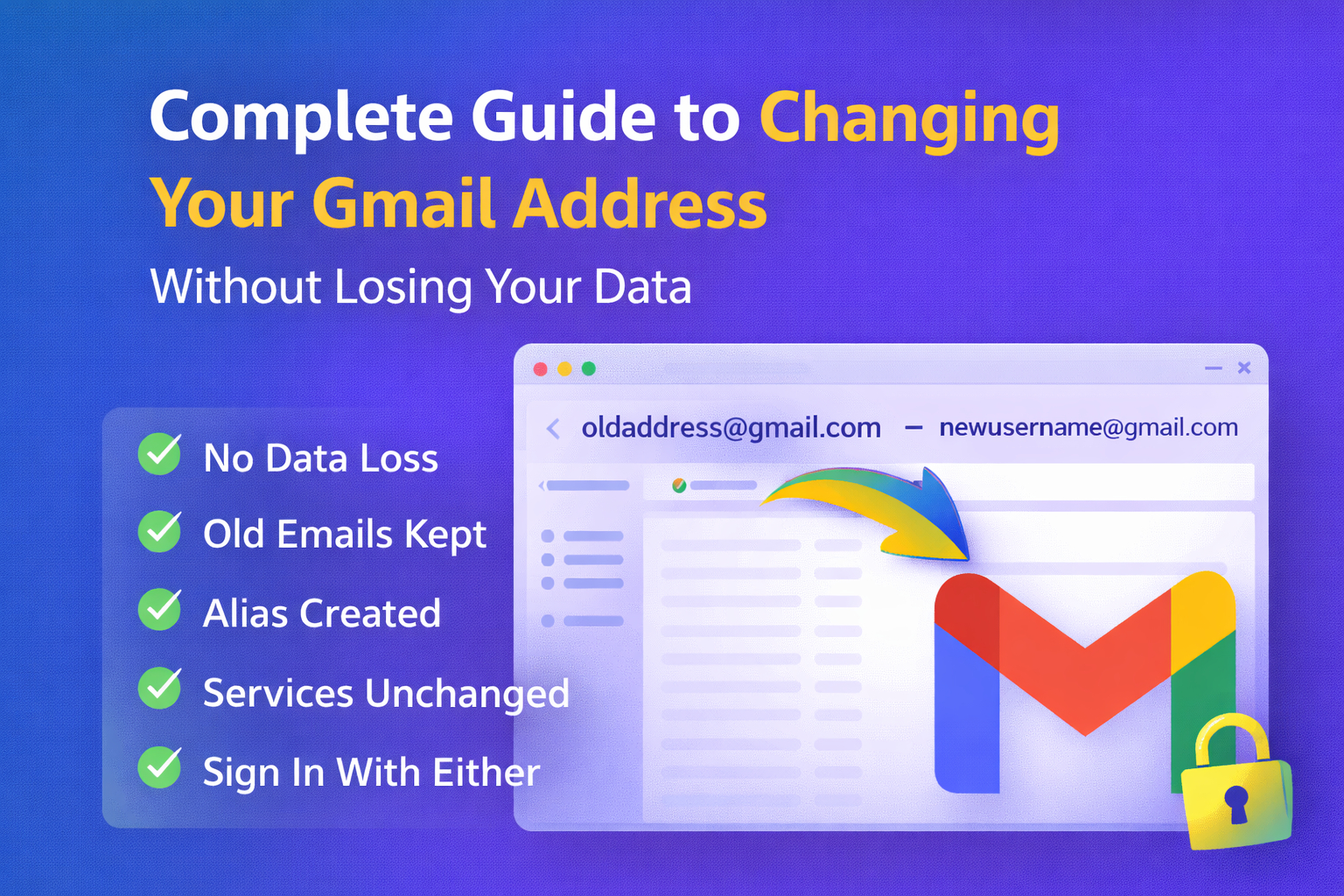



After more than two decades of Gmail users being tied to the same email address for life, Google is finally introducing a long-awaited update: users will soon be able to change their Gmail address without losing data. This change marks a significant shift in how Google manages user identities across its ecosystem, allowing greater flexibility and personalization for millions of Gmail users worldwide.
In this guide, we’ll explore the history of this feature, how it works, what data remains protected, user limitations, privacy considerations, and why this update is a game-changer for people who have lived with outdated or embarrassing email addresses for years.
What Was the Problem Before?
Since its launch in 2004, Gmail has offered a powerful free email service used by billions. However, one longstanding limitation frustrated many users: you could not change your Gmail address once it was created. If you wanted a new email username—say for professional reasons or branding—you had no choice but to create a brand-new Google Account.
This old system came with multiple drawbacks:
- You had to manually transfer emails, contacts, and files to the new account.
- Third-party apps linked to your old Gmail address often broke.
- All services tied to the old account—YouTube, Drive, Maps, Photos, Google Play, and more—were difficult to reconnect.
- You risked losing years of data or fractured digital identities.
This inflexibility forced many users to stick with outdated or embarrassing addresses, especially if they had built important services around them.
What’s Changing in Gmail?
Google is rolling out a new feature that allows Gmail users to change their @gmail.com address while keeping their existing account and all associated data intact. That means you will finally be able to upgrade your email address without creating a new Gmail account from scratch.
This change was first spotted in updated official support documentation, which currently appears only on Google’s Hindi support page—suggesting a phased rollout that may begin in India before expanding globally.
Here’s what you need to know:
The old Gmail address becomes an alias
Once you choose a new email address, your old address will automatically become a secondary alias. Emails sent to either your old or new address will end up in the same inbox.
All your data stays exactly the same
Existing data—including emails, Drive files, photos, Google Calendar events, YouTube history, chats, subscriptions, and more—remains intact after the change.
You can sign in with either address
Google will allow users to sign into their account using either the old or the new address, ensuring continuity across services like Gmail, Drive, Maps, and YouTube.
Why This Change Matters?
This is one of the most significant updates to Gmail’s identity system in years. Here’s why it’s important:
Personalization and Rebranding
Many users created their Gmail addresses years ago as teenagers or for temporary use. Now, they can adopt more professional or personalized email handles that reflect who they are today.
No More Data Loss or Migration Hassles
Previously, to switch email addresses, you had to create a new Google account and manually migrate data—a tedious and time-consuming process that often resulted in lost files or broken connections. This update eliminates that problem entirely.
Better Account Continuity Across Services
From Google Workspace tools to YouTube, Google Play, and Photos, your account is connected to a broad ecosystem. Keeping all of this intact when updating your email address prevents the frustration of service disruptions.
How the New Gmail Address Change Works
Although Google has not provided an official global announcement, the available details from support documentation and reports describe the process and limitations clearly:
Step-by-Step Overview
- Go to your Google Account Settings—specifically the section for personal information.
- Look for the option labeled something like “Change your Gmail address” or “Update email address”.
- Enter the new username you want (e.g., john.doe123 instead of oldusername072).
- Confirm the update—you may be prompted to verify your choice.
- Once confirmed, your new email will become your primary Gmail address.
Your old Gmail address will automatically be kept as an alias.
What Happens to Your Old Gmail Address?
When you change your Gmail address:
- Your old address becomes a secondary alias attached to your account.
- Emails sent to the old address will still arrive in your inbox.
- You can continue to sign into services using either the old or new address.
- The old address is protected—no one else can claim it for at least 12 months.
This approach ensures you don’t lose connectivity or access to your digital identity even after switching to a new, preferred address.
What Stays with the Account?
One of the strongest aspects of this update is how comprehensive the data preservation is. After changing your email address, the following remain unaffected:
- All old emails and contact lists
- Photos, Drive files, and shared documents
- Google Chat histories
- YouTube subscriptions and playlists
- Google Play purchases
- Calendar events and reminders
- Settings and preferences
In other words, your digital life remains exactly where you left it, just accessible via a new Gmail address.
Limitations & Rules You Should Know
Although powerful, the new feature is not completely unrestricted. Google has built in some limitations to prevent confusion or abuse:
You can only change your address once every 12 months.
This restriction prevents frequent switching and protects account integrity.
Accounts can only change their Gmail address a limited number of times.
Each account can change its Gmail username up to three times, allowing a total of four Gmail addresses over the lifetime of the account.
You cannot immediately create a new Google Account from your old email address.
After making a change, you must wait at least 12 months before using the old address to create a new Google Account.
Some legacy references may persist.
In certain places—like older calendar invites or older shared file histories—your old email address might still appear, though it won’t affect functionality.
Regional Rollout & Availability
The feature is currently rolling out gradually, and availability depends on your account and region. It was first spotted on Google’s support documentation in Hindi, which suggests an initial test phase in India or Hindi-speaking areas. There is no official global launch date yet, but broader availability is expected in early 2026.
Many users around the world have reported seeing the option appear in their Gmail settings over the past few days, though adoption remains staggered.
Why This Feature Was Long Overdue
For years, Gmail users have requested the ability to update their Gmail address without losing data. Competitor services like Microsoft Outlook and many enterprise email platforms already offer this flexibility. Gmail’s lack of this option forced users into difficult migration processes that fractured digital lives rather than simply updating usernames.
Google’s new approach effectively bridges that gap, offering a user-friendly solution to a longstanding pain point for millions of people.
Who Stands to Benefit Most
This update benefits a wide range of Gmail users:
Professionals
People wanting a more professional email for business or career purposes can now update their Gmail without losing years of data.
Students & Young Adults
Many users chose fun or silly email names when they were younger. Now they can switch to something more appropriate.
People Rebranding Their Identity
Name changes due to marriage, gender transition, or personal preference can now be reflected easily in the Gmail address.
Potential Security Considerations
Some experts warn that any change in a core identifier like an email address can open doors to phishing attempts or impersonation if not handled carefully by users. It will be important for users to trust only legitimate Google UI prompts and avoid fake “change your Gmail now” emails or webpages.
Despite this, Google is not sending unsolicited links to change your address, and users must manually navigate to official settings to make changes.
Conclusion
Google’s decision to allow users to change their Gmail address without losing data represents a major update for one of the world’s most widely used email platforms. This change removes the historic limitation that tied users to their original addresses, providing much-needed flexibility for personal branding, professionalism, and digital identity management.
With all email history, files, Photos, contacts, and account connections preserved, users can finally update their Gmail addresses without fearing data loss. While the feature is currently rolling out in phases, it signals a broader push by Google to modernize user account management and improve the email experience.
Whether you’ve been stuck with an embarrassing old address for years or simply want a more professional email for the new year, this update could make 2026 the year you finally take control of your Gmail identity.
Frequently Asked Questions (FAQs)
Can I change my Gmail address without losing emails and data?
Yes! Google now lets you change your Gmail address without losing your emails, contacts, Drive files, YouTube data, and other Google account content.
What happens to my old Gmail address after the change?
Your old Gmail address becomes a secondary alias linked to your account. You can still receive emails sent to your old address.
Can I sign in with my old Gmail address after changing it?
Yes. After the update, you can sign in with either your old or new Gmail address, and both will lead you to the same account.
Will I lose access to services like Google Drive and YouTube if I change my email?
No. All your Google services—like Drive, Photos, YouTube, Calendar, and Play—remain connected to your account, and no data is lost when you change your Gmail address.
How often can I change my Gmail address?
Google allows you to change your Gmail address once every 12 months, with a maximum of three total changes during your account’s lifetime.
Can someone else use my old Gmail address for a new account?
No. After you change your Gmail address, your old address remains linked to your account as an alias and cannot be claimed by someone else for a certain period.
Will my old email address still appear in older email threads or shared files?
Some older references (like shared file history or calendar invites) may still display your old email, but they will continue to function normally.
Is this feature available worldwide now?
As of now, the feature is rolling out gradually in phases. Initially spotted in specific regions, it’s expected to expand globally in early 2026.
Related Blog: Zoho Mail vs Gmail




What do you think?
It is nice to know your opinion. Leave a comment.