











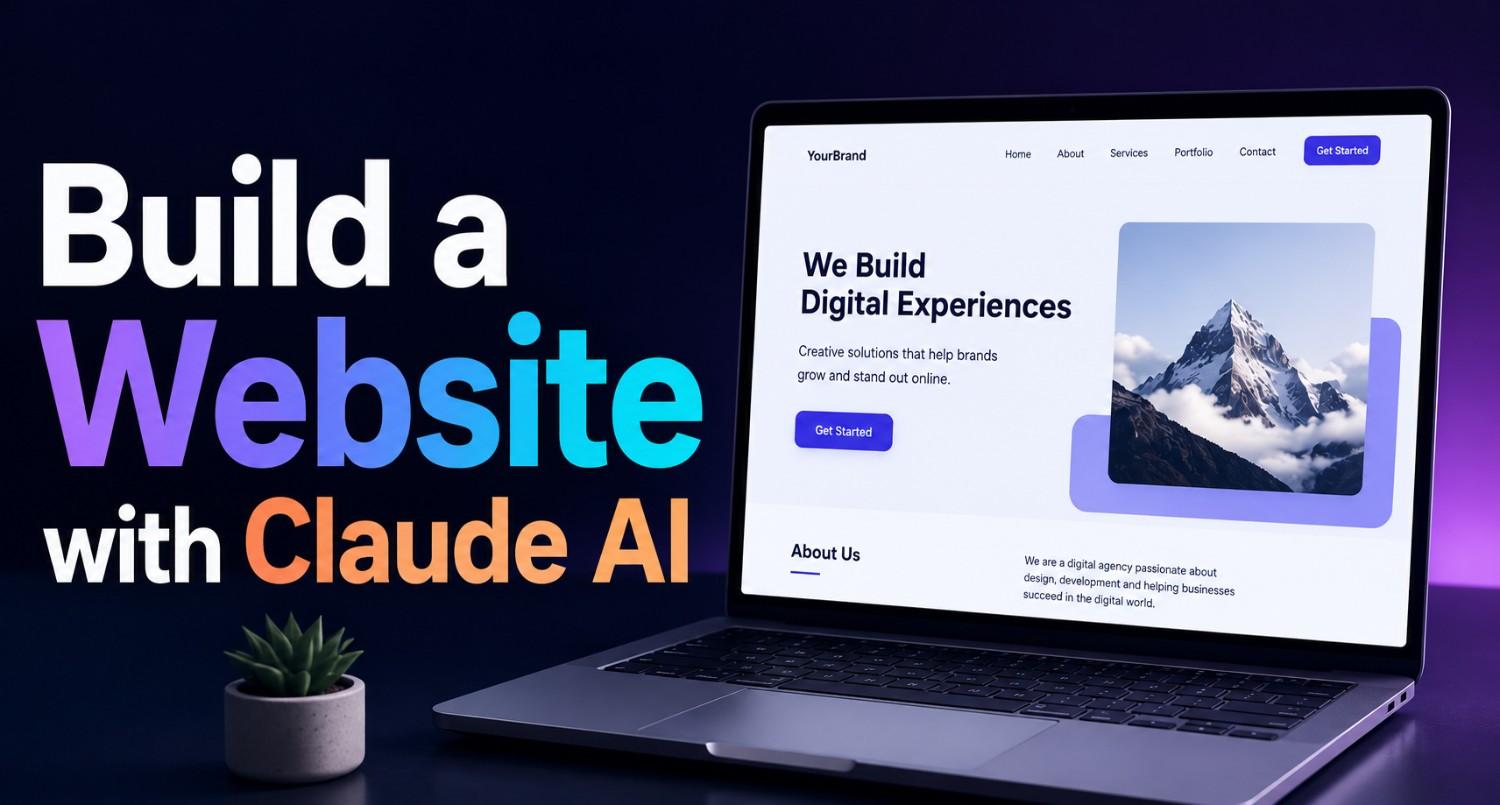



Artificial Intelligence is rapidly transforming website development. Tasks that once required weeks of coding, designing, and testing can now be completed much faster with AI-powered tools. One of the most talked-about AI assistants in web development today is Claude AI.
From generating website structures to writing clean code, creating content, debugging errors, and improving user experience, Claude AI is helping beginners and professionals build websites more efficiently.
In this guide by Synarion IT Solutions, you’ll learn how to build a website with Claude AI step-by-step, even if you have limited coding experience.
What is Claude AI?
6Claude AI is an advanced conversational AI assistant developed by Anthropic. It helps developers and businesses with tasks like:
- Writing code
- Debugging applications
- Generating website layouts
- Creating SEO content
- Building UI components
- Explaining programming concepts
- Automating workflows
Unlike traditional website builders, Claude AI acts more like an intelligent development partner that assists throughout the website creation process.
Why Use Claude AI for Website Development?
Modern developers are using AI assistants because they significantly improve productivity and reduce development time.
Key Benefits of Using Claude AI
Faster Development
Claude AI can generate:
- HTML
- CSS
- JavaScript
- React components
- Backend logic
- API integrations
within seconds.
Beginner-Friendly Learning
If you’re new to coding, Claude AI can explain:
- Programming concepts
- Errors
- Best practices
- Framework usage
in simple language.
Content Generation
Claude AI can help create:
- Website copy
- Blog content
- SEO metadata
- Product descriptions
- Landing page text
Debugging Assistance
Developers use Claude AI to:
- Fix bugs
- Optimize code
- Improve performance
- Refactor applications
Step 1: Plan Your Website
Before writing code, define your website goals.
Questions to Ask Before Starting
- What type of website are you building?
- Who is your target audience?
- What features do you need?
- Will it be static or dynamic?
- Do you need user login functionality?
- Will you integrate payments or APIs?
Common Website Types
| Website Type | Examples |
|---|---|
| Business Website | Company profile |
| Ecommerce Store | Online shopping |
| Portfolio Website | Personal branding |
| Blog Website | Content publishing |
| SaaS Platform | Software applications |
| Landing Page | Marketing campaigns |
A clear structure helps Claude AI generate more accurate results.
Step 2: Choose Your Tech Stack
Claude AI works with almost every modern web technology.
Recommended Beginner-Friendly Stack
Frontend
- HTML
- CSS
- JavaScript
- React.js
- Next.js
Backend
- Node.js
- Express.js
Database
- MongoDB
- PostgreSQL
Hosting
- Vercel
- Netlify
- AWS
For beginners, React + Next.js is a great starting point because of its simplicity and SEO benefits.
Step 3: Ask Claude AI to Generate a Website Structure
One of the biggest advantages of Claude AI is prompt-based development.
Example Prompt
Create a responsive business website homepage using HTML, CSS, and JavaScript with:
- Hero section
- Services section
- Testimonials
- Contact form
- Mobile responsive layout
- Modern UI design
Claude AI will generate:
- Page structure
- Styling
- Responsive layouts
- Interactive components
This saves hours of manual coding.
Step 4: Build the Frontend
Create Basic Project Files
index.html
style.css
script.js
Or if using React:
/components
/pages
/public
/styles
Generate Frontend Components
Claude AI can help create:
- Navigation bars
- Hero sections
- Cards
- Forms
- Sliders
- Dashboards
- Footer sections
Example Prompt for React
Create a modern React hero section with:
- Gradient background
- CTA button
- Responsive layout
- Tailwind CSS styling
Step 5: Make Your Website Responsive
Responsive design is essential for:
- Mobile users
- SEO rankings
- User experience
Claude AI can generate:
- Mobile breakpoints
- Flexbox layouts
- CSS Grid systems
- Responsive typography
Example Prompt
Optimize this website for mobile responsiveness using modern CSS best practices.Step 6: Add Backend Functionalit
Frontend websites become more powerful when connected to backend systems.
Features You Can Build
- User authentication
- Contact forms
- Payment systems
- Admin dashboards
- APIs
- Databases
- Example Prompt
Create a Node.js Express API for a contact form that stores data in MongoDB.Claude AI can generate backend logic quickly while explaining the code structure.
Step 7: Improve Website SEO
SEO is critical for website visibility.
Claude AI can help optimize:
- Meta titles
- Meta descriptions
- Heading structures
- Schema markup
- Internal linking
- Keyword placement
Example Prompt
Generate SEO-friendly meta tags for a digital marketing agency website.Step 8: Optimize Website Performance
Website speed directly impacts:
- SEO
- User engagement
- Conversion rates
Claude AI can help optimize:
- Lazy loading
- Image compression
- JavaScript performance
- Code splitting
- Caching strategies
Example Prompt
Optimize this React application for better Core Web Vitals performance.Step 9: Debug and Test Your Website
No website launches without testing.
Claude AI can help debug:
- CSS issues
- JavaScript errors
- API failures
- Responsive bugs
Example Prompt
Find and fix the error in this JavaScript code.Testing areas include:
- Mobile responsiveness
- Browser compatibility
- Form validation
- Loading speed
- Accessibility
Step 10: Deploy Your Website
After development, publish your website online.
Popular Hosting Platforms
| Platform | Best For |
|---|---|
| Vercel | Next.js apps |
| Netlify | Static websites |
| AWS | Enterprise apps |
| Hostinger | Budget hosting |
| DigitalOcean | Custom servers |
Claude AI can guide deployment steps for each platform.
Example Prompt
Explain how to deploy a React website on Vercel step-by-step.Best Practices When Using Claude AI
Don’t Copy Blindly
Always:
- Review generated code
- Understand the logic
- Test functionality
AI-generated code may still require manual improvements.
Use Detailed Prompts
Better prompts produce better outputs.
Weak Prompt
Create a websiteStrong Prompt
Create a modern SaaS landing page using React and Tailwind CSS with pricing, testimonials, FAQ, and responsive design.Combine AI with Human Creativity
Claude AI accelerates development, but:
- Design thinking
- Branding
- UX strategy
- Business logic
still require human decision-making.
Common Mistakes Beginners Should Avoid
Over-Relying on AI
AI is an assistant, not a replacement for learning development fundamentals.
Ignoring Security
Always secure:
- Forms
- APIs
- Authentication systems
- Database queries
Poor Project Structure
Maintain:
- Organized folders
- Reusable components
- Proper naming conventions
The Future of AI-Powered Website Development
AI-assisted coding is becoming standard across the industry.
In 2026, developers increasingly use AI for:
- Rapid prototyping
- UI generation
- Testing automation
- Documentation
- Full-stack development
However, experienced developers still play a critical role in:
- Architecture planning
- Performance optimization
- Scalability
- Security
- User experience
AI speeds up development — it doesn’t replace strategic thinking.
Final Thoughts
Building a website with Claude AI is now easier than ever for beginners and businesses alike.
With the right prompts and development workflow, Claude AI can help you:
- Build websites faster
- Learn coding concepts
- Generate responsive UI
- Improve SEO
- Debug applications
- Optimize performance
Whether you’re creating a business website, SaaS platform, portfolio, or ecommerce store, AI-powered development tools are transforming how modern websites are built.
The key is to use AI intelligently while continuing to build your technical understanding and creative skills.
Frequently Asked Questions (FAQs)
Is Claude AI good for beginners?
Yes. Claude AI explains coding concepts clearly and helps beginners learn while building websites.
Can Claude AI build a full website?
Claude AI can generate frontend and backend code, but developers should still review, test, and customize the final product.
Which programming languages does Claude AI support?
Claude AI supports HTML, CSS, JavaScript, Python, React, Node.js, PHP, and many other programming languages.
Can Claude AI help with SEO?
Yes. Claude AI can generate SEO-friendly titles, meta descriptions, structured headings, and optimized website content.
Is AI replacing web developers?
No. AI improves productivity, but developers are still needed for architecture, creativity, security, and advanced problem-solving.




What do you think?
It is nice to know your opinion. Leave a comment.